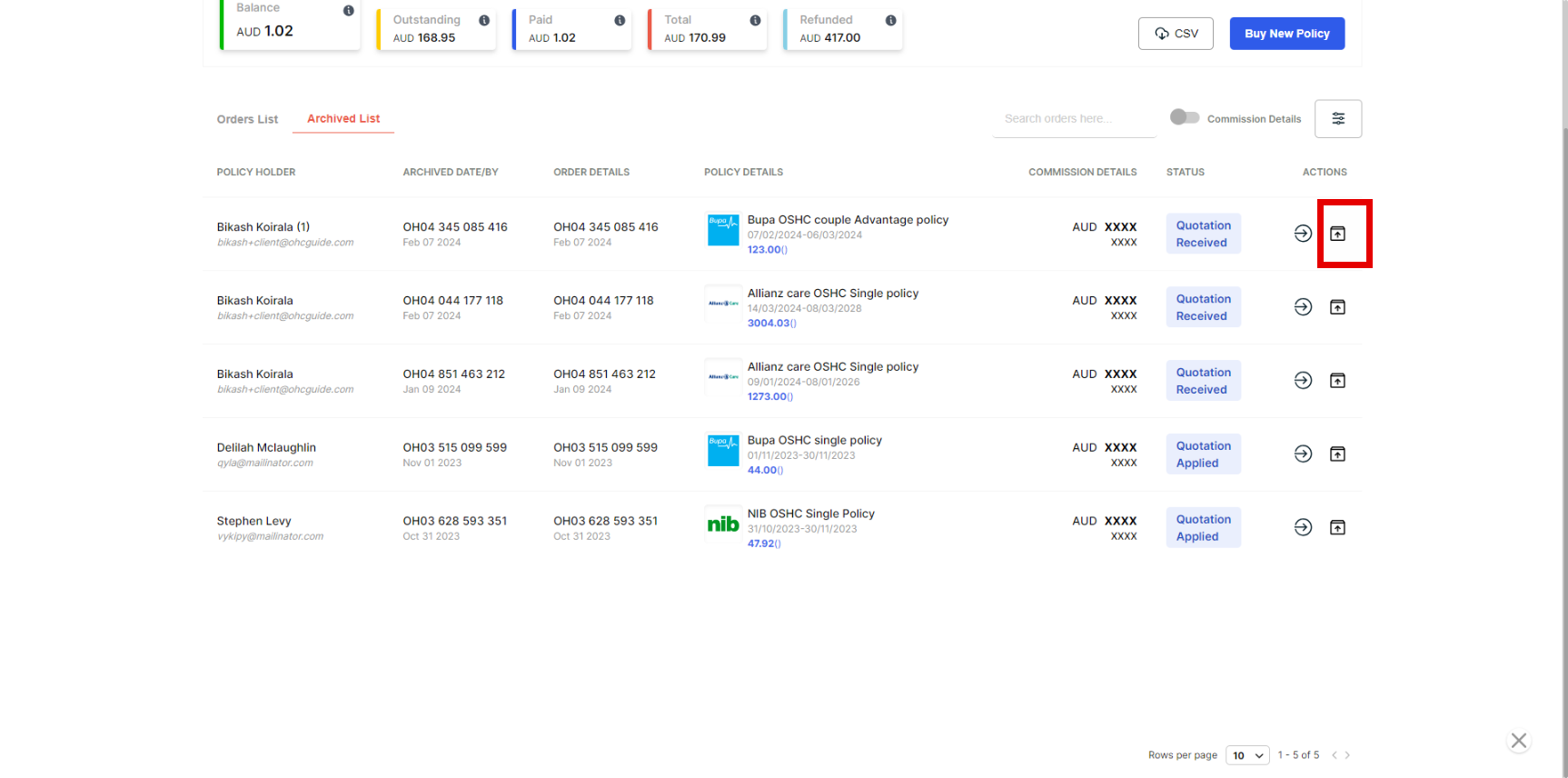
If you want to remove or hide unnecessary policies purchased from the orders list, here are the steps to take.
Step 1 - Go to Agent portal.
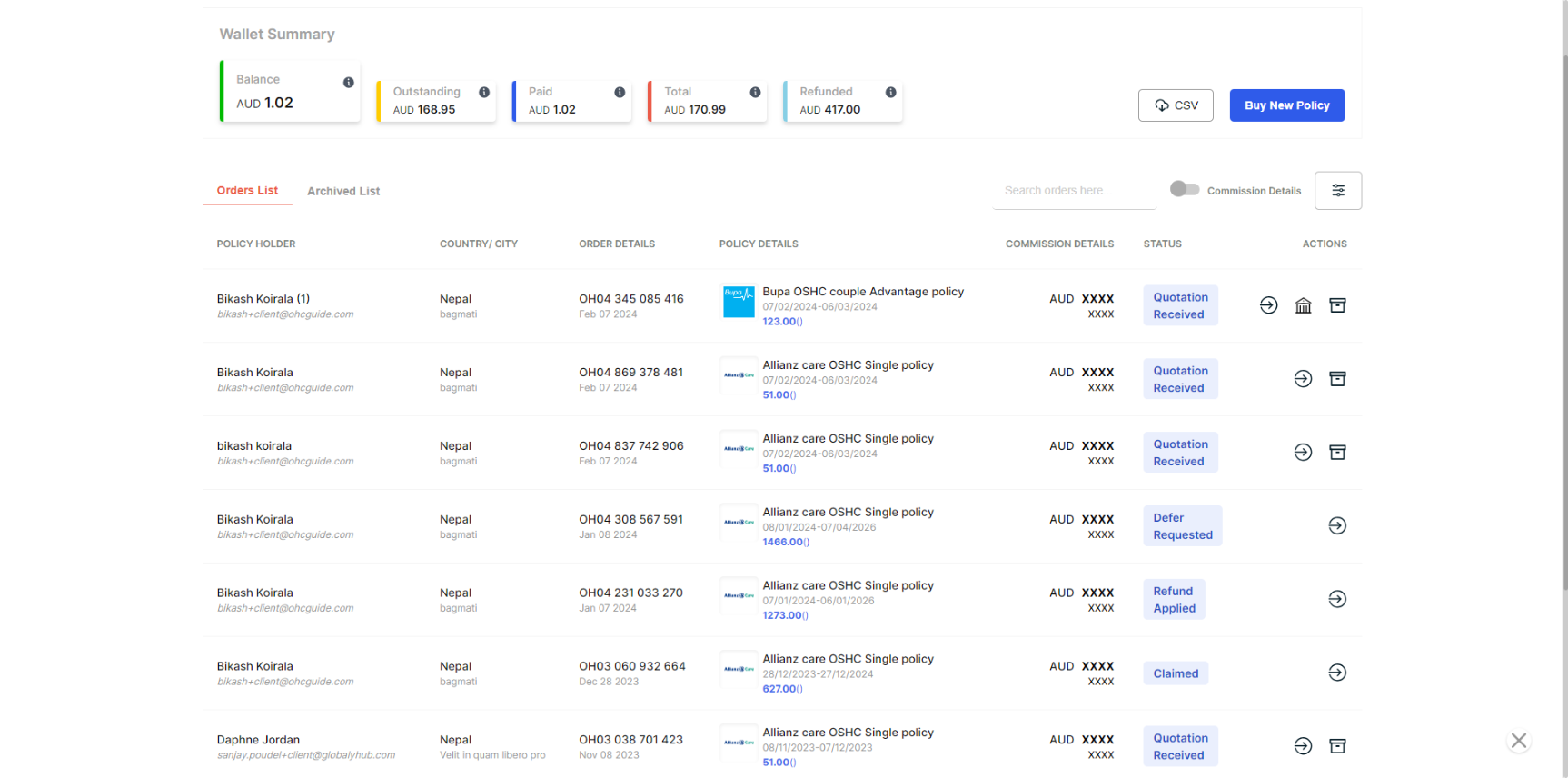
Step 2 - Find the policy you want to achieve.
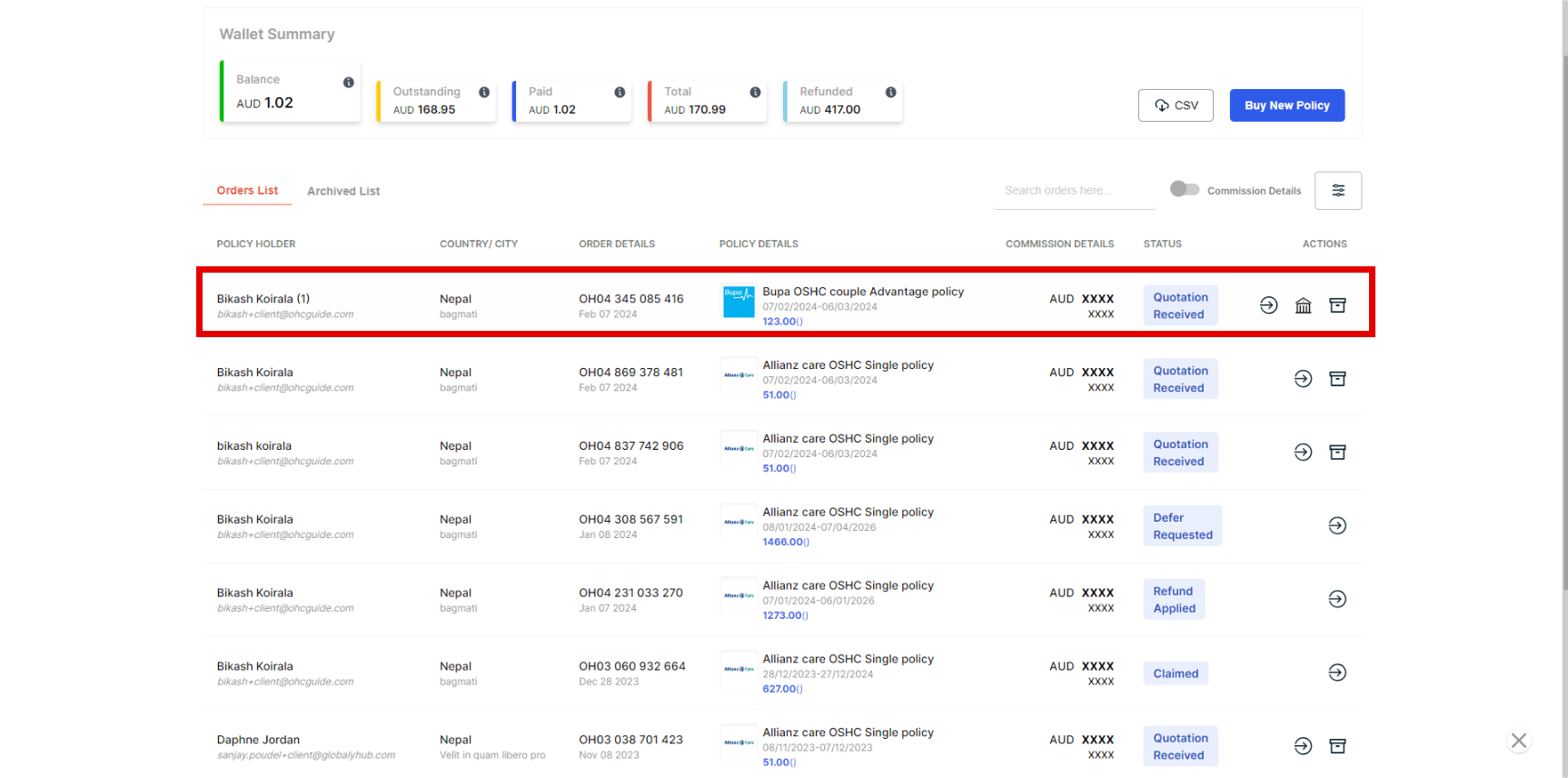
Step 3 - On the right side, just below "Action," locate policy and achieve policy.
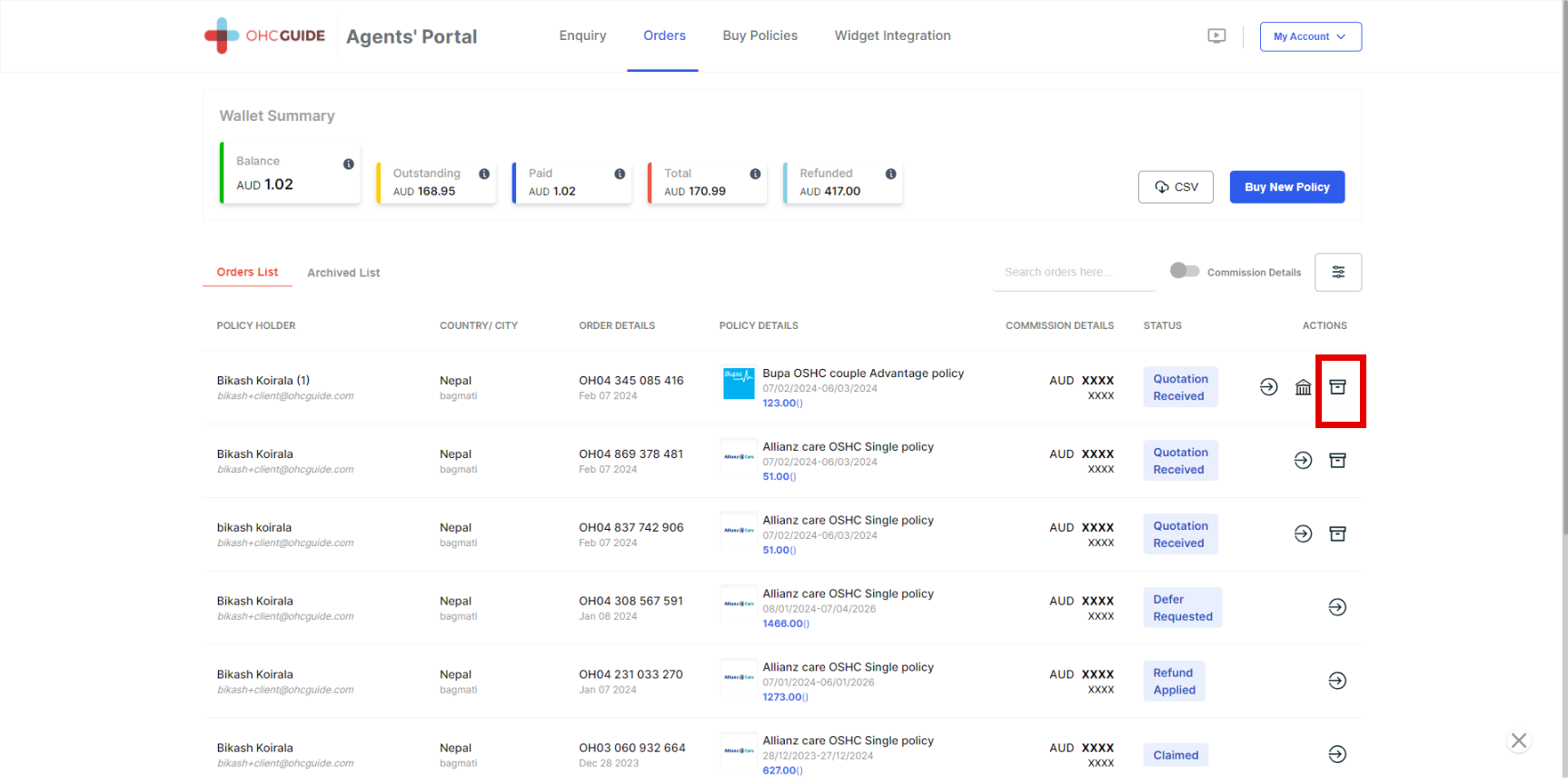
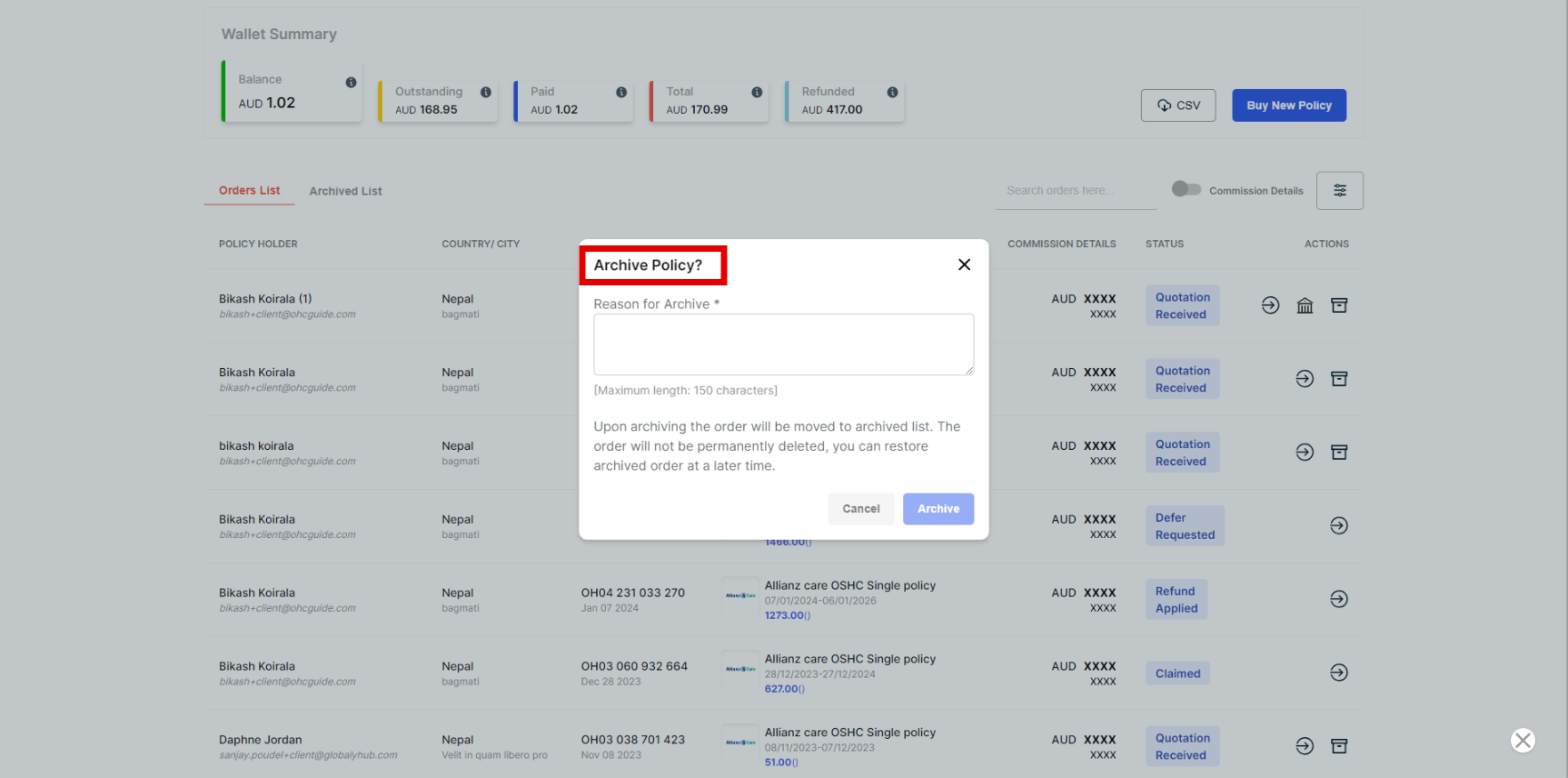
Step 4 - Click the archive policy and write the reason for the archive.
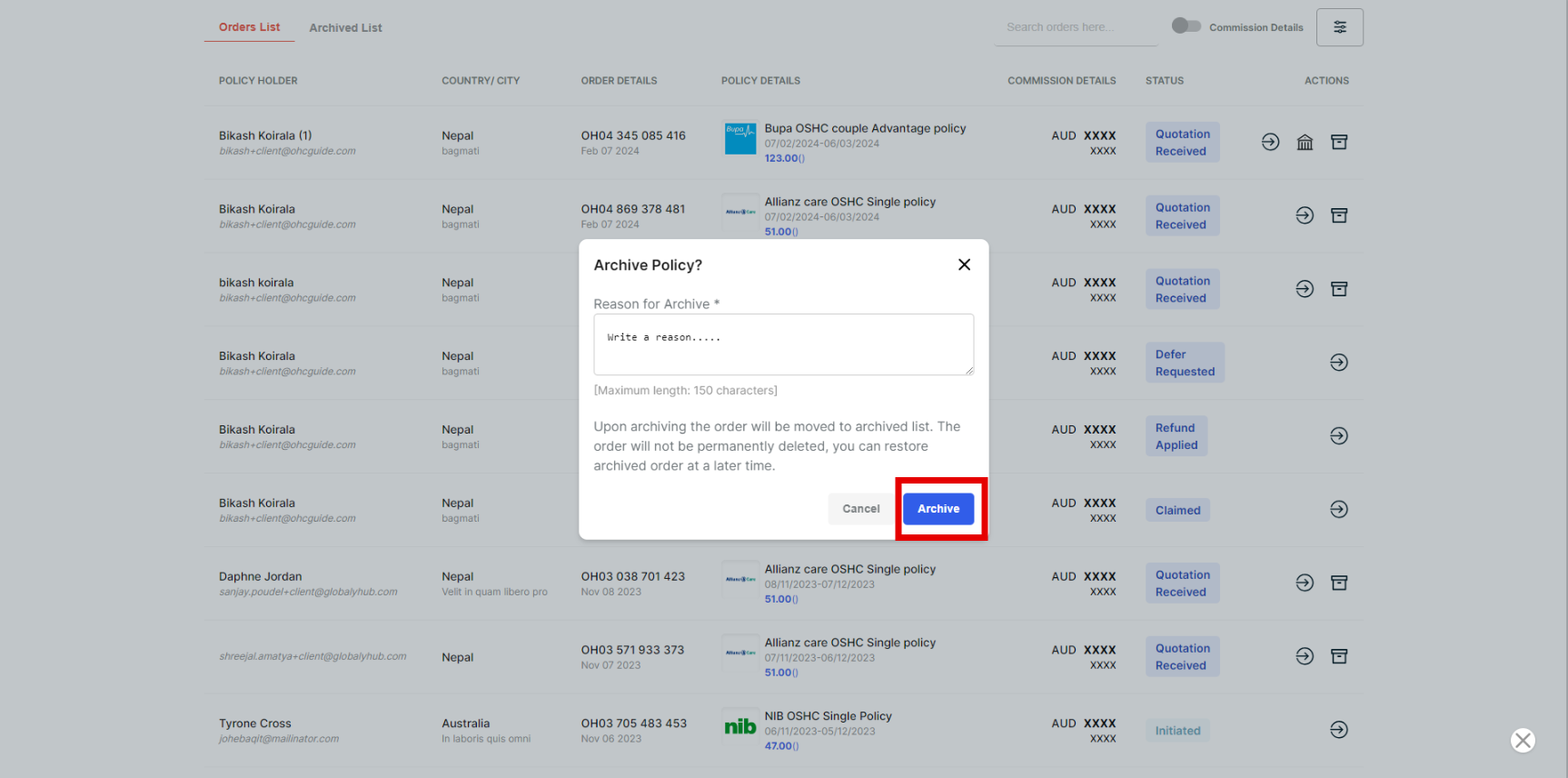
Step 5 - Finally, click on Archive to hide the policy.
Step 6 - If you want to unarchive the policy, then click on the Achieve list.
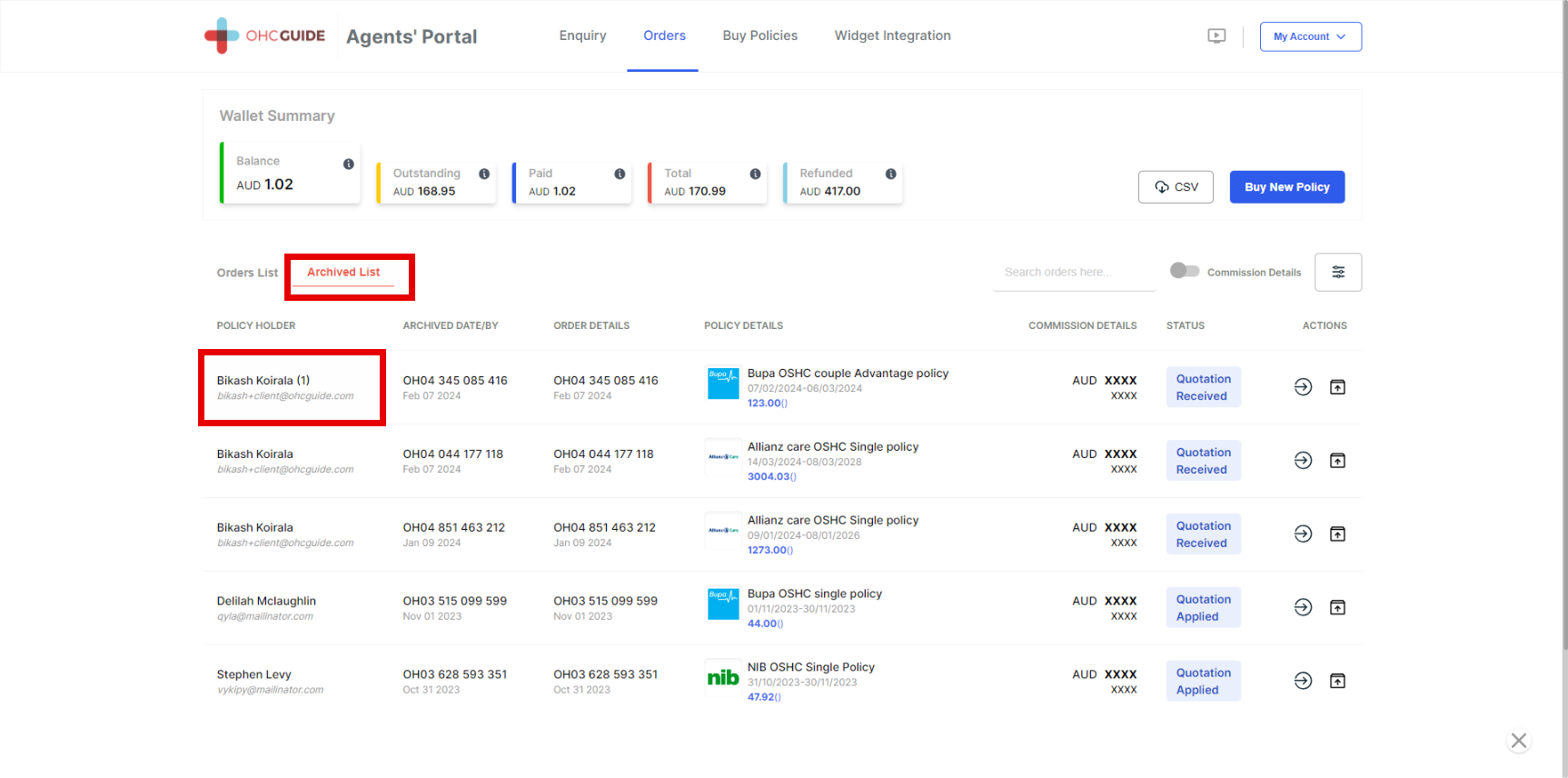
Step 7 - Click on the Unarchive Policy button just below the Action button, and the policy will be restored to the order list.