Search policy holder's information using filter.
Step 1 - Go to Agent portal.
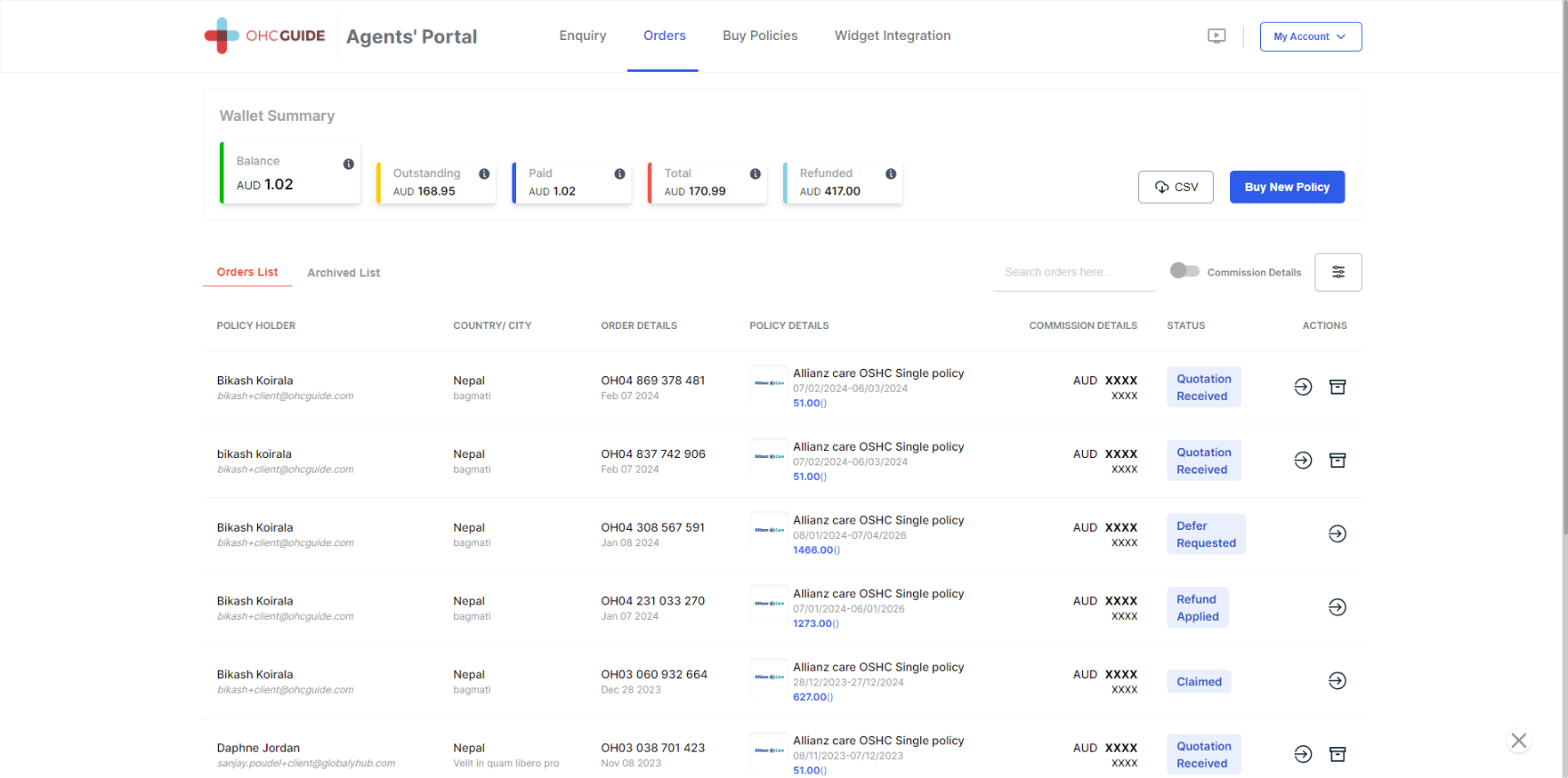
Step 2 - Find the filter button with three lines, just above the "Actions" button.
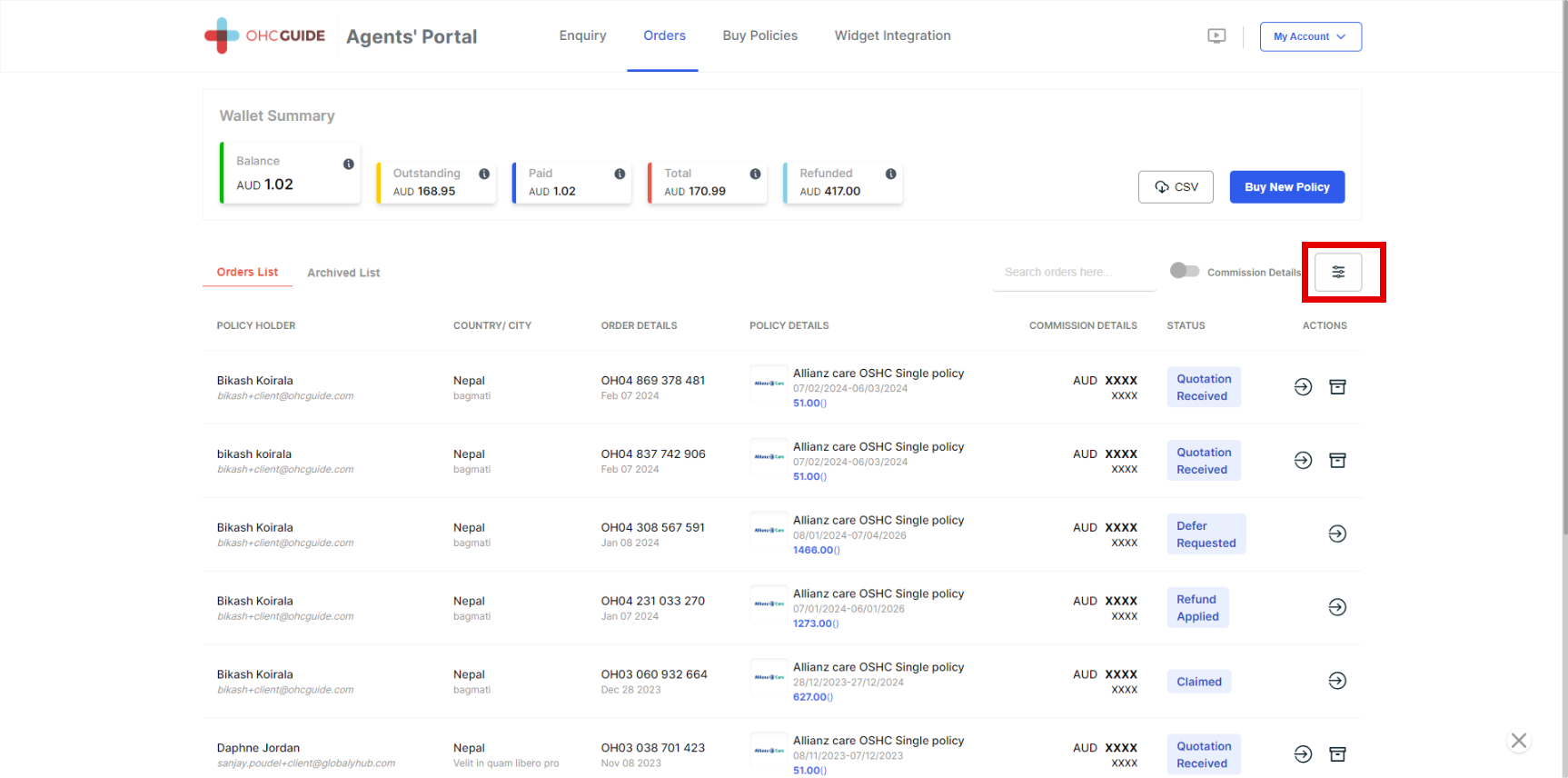
Step 3 - Click on the Filter button, and you will see different filters (Policy Holder Name, Order ID, Policy Details, Policy Start Date Range, Policy End Date, Client Country, Client City, Commission Status, and Paid By).
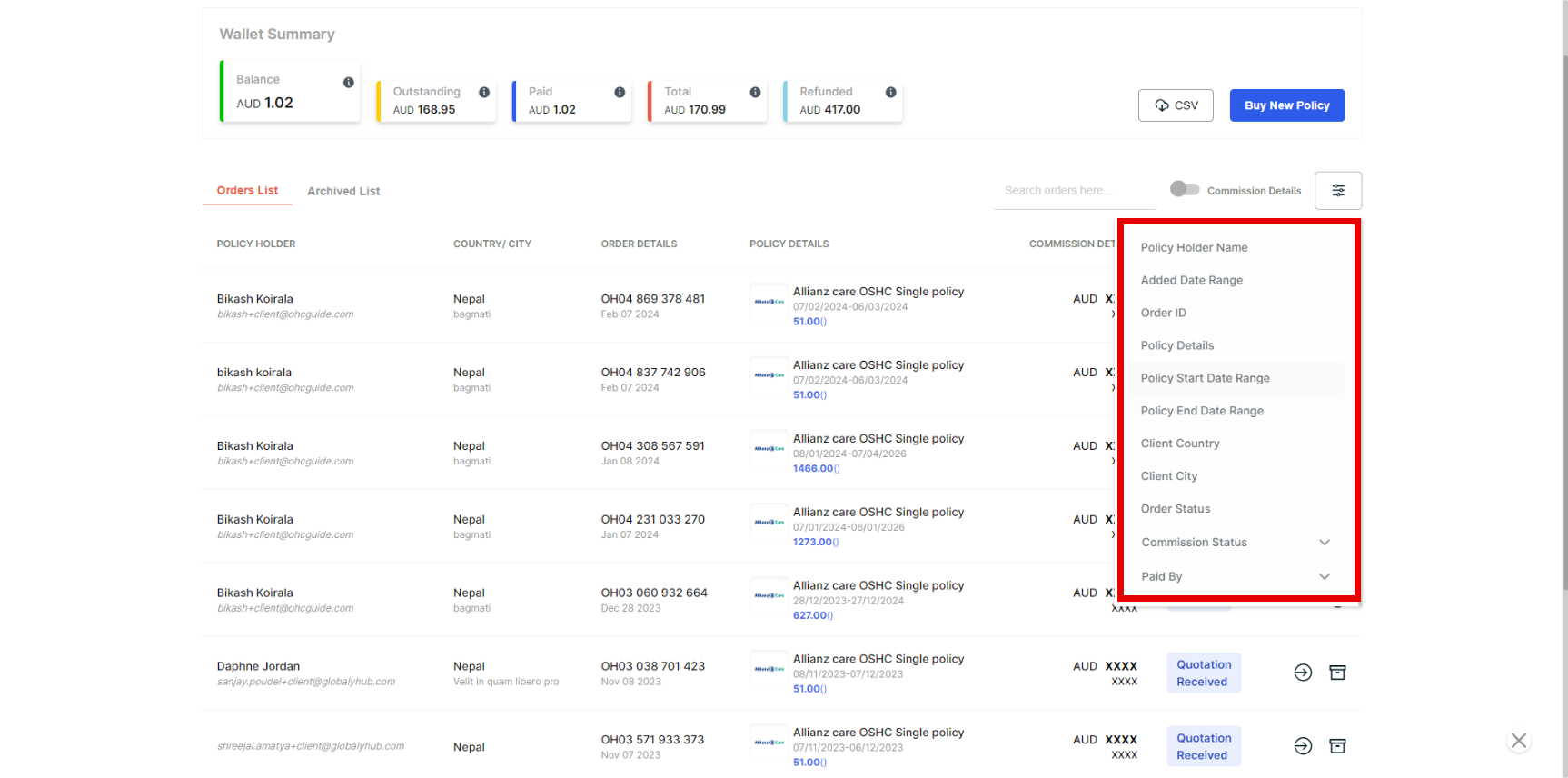
Step 4 - Click on any filter option as per your requirement (ex-policy holder name).
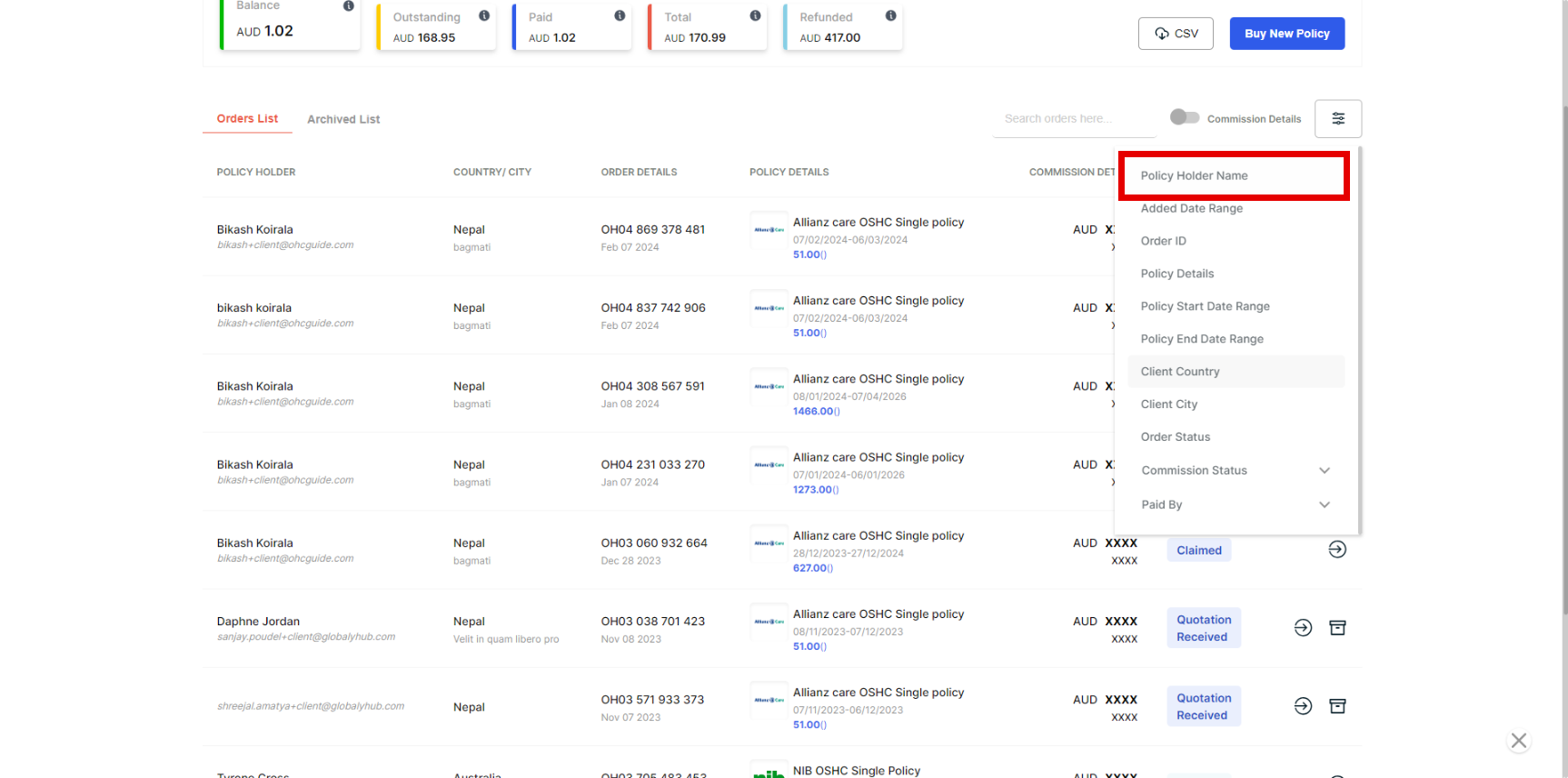
Step 5 - Search for the policyholder's name.
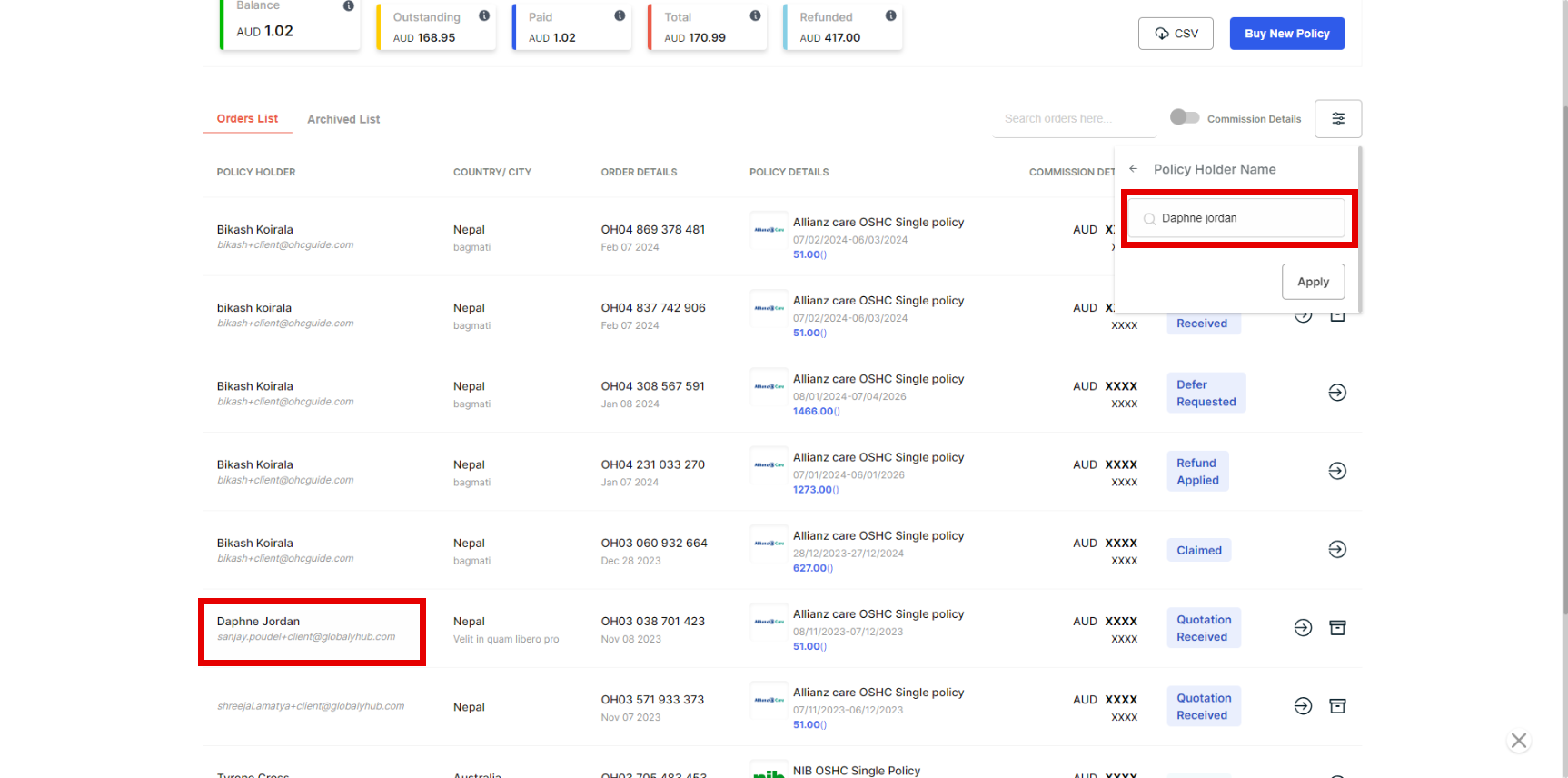
Step 6 - You will find the name you have searched for and know about the status.
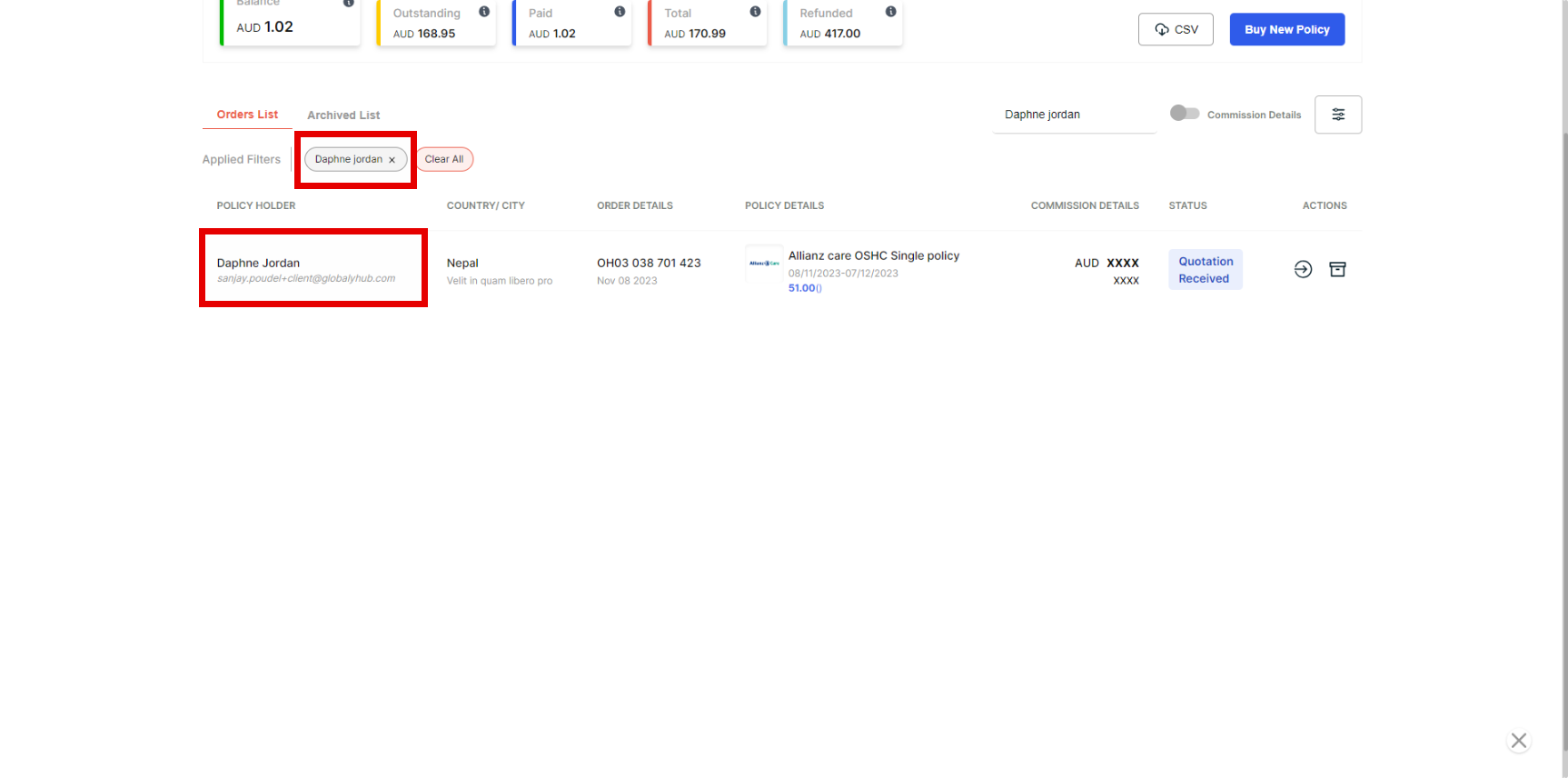
Note -Likewise, you can also use a filter to search for Order ID, Policy Details, Policy Start Date Range, Policy End Date, Client Country, Client City, Commission Status, and Paid By.