Be well informed about your profile management in details in a systematic order, which includes editing your personal information and promotional offers.
Step 1 - Sign in to the Agent Portal.
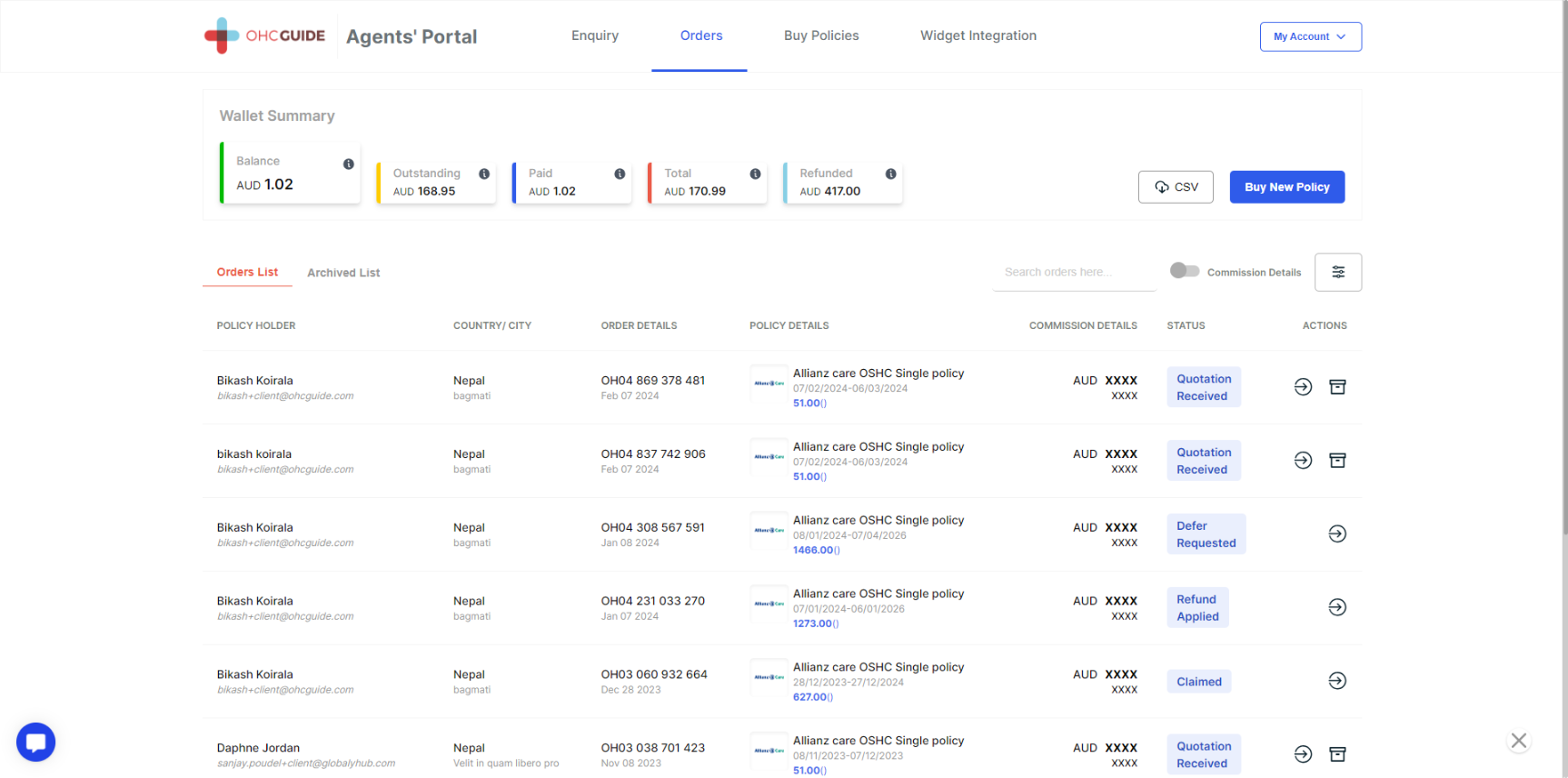
Step 2 - Click on "My Account" on the top right side button.
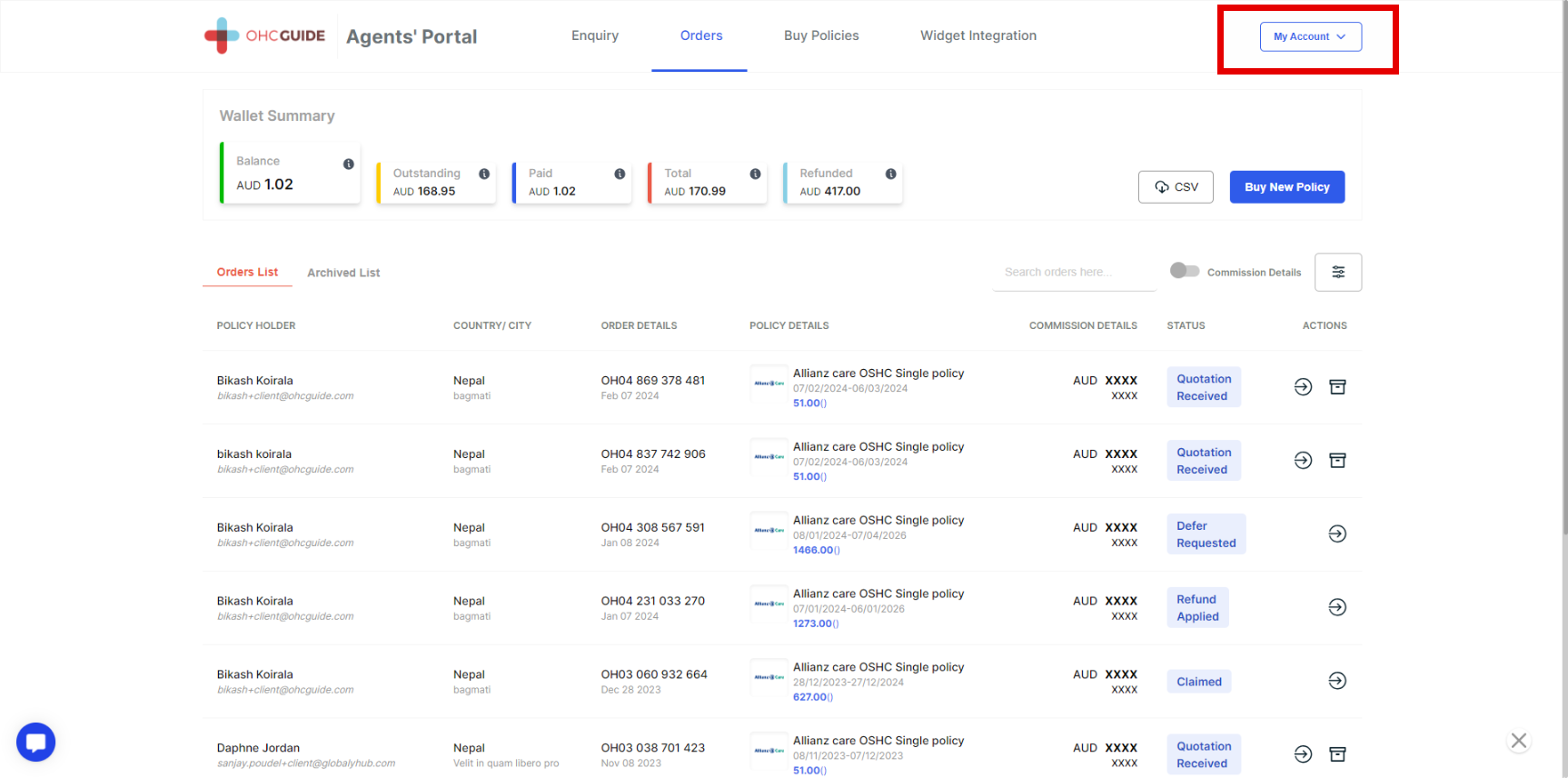
Step 3 - Three options will appear (name and username ID, change password, and sign out).
Step 4 - Click on the First Option (Name and Username ID).
Note :
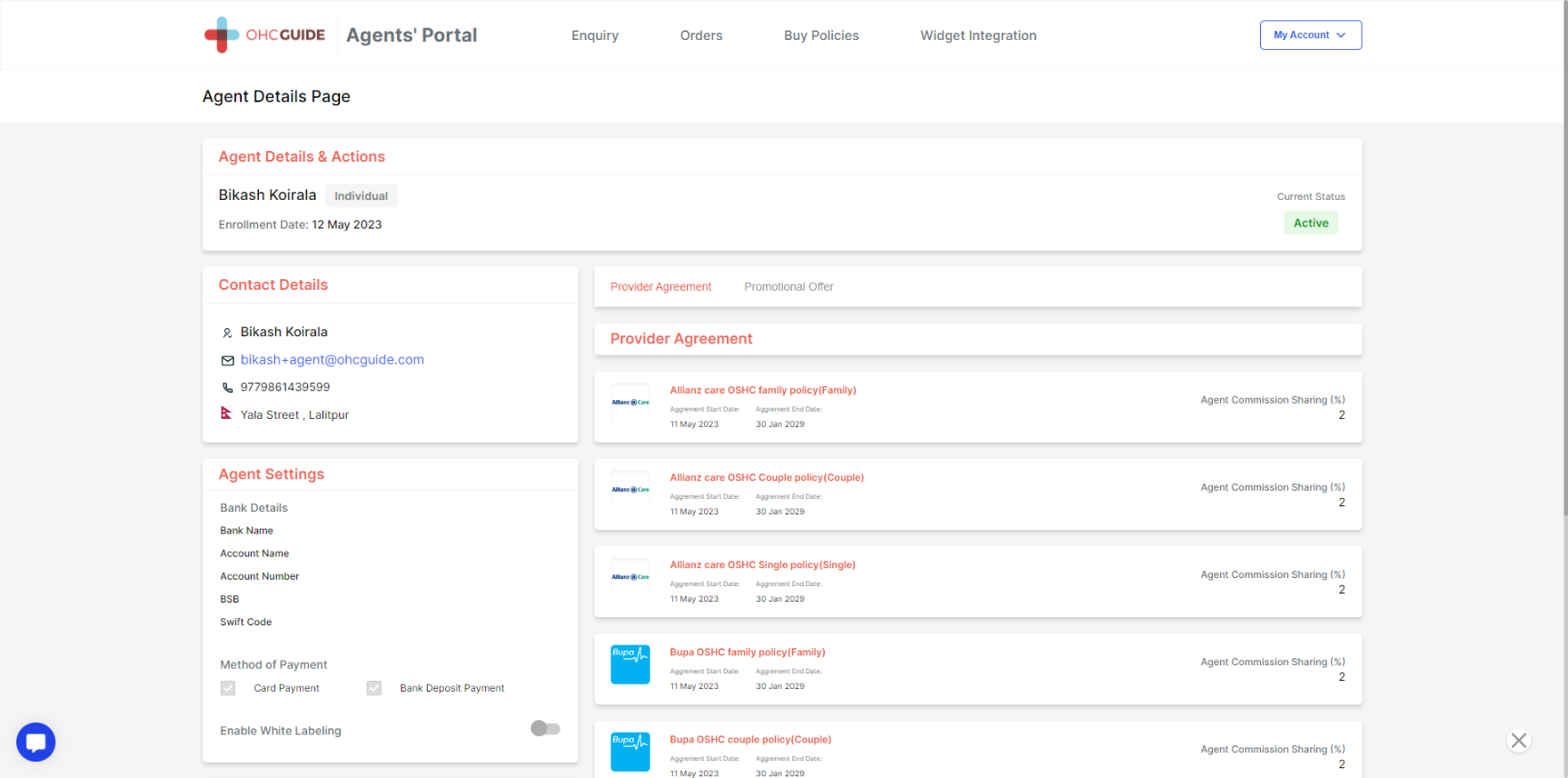
* Provider Agreement
(You can update details such as contact details and agent settings.)
- Agent commission on different insurance policies (Allianz Care, Bupa, NIB, and Bupa Advantage)
- Also, you can enable the white labeling option.
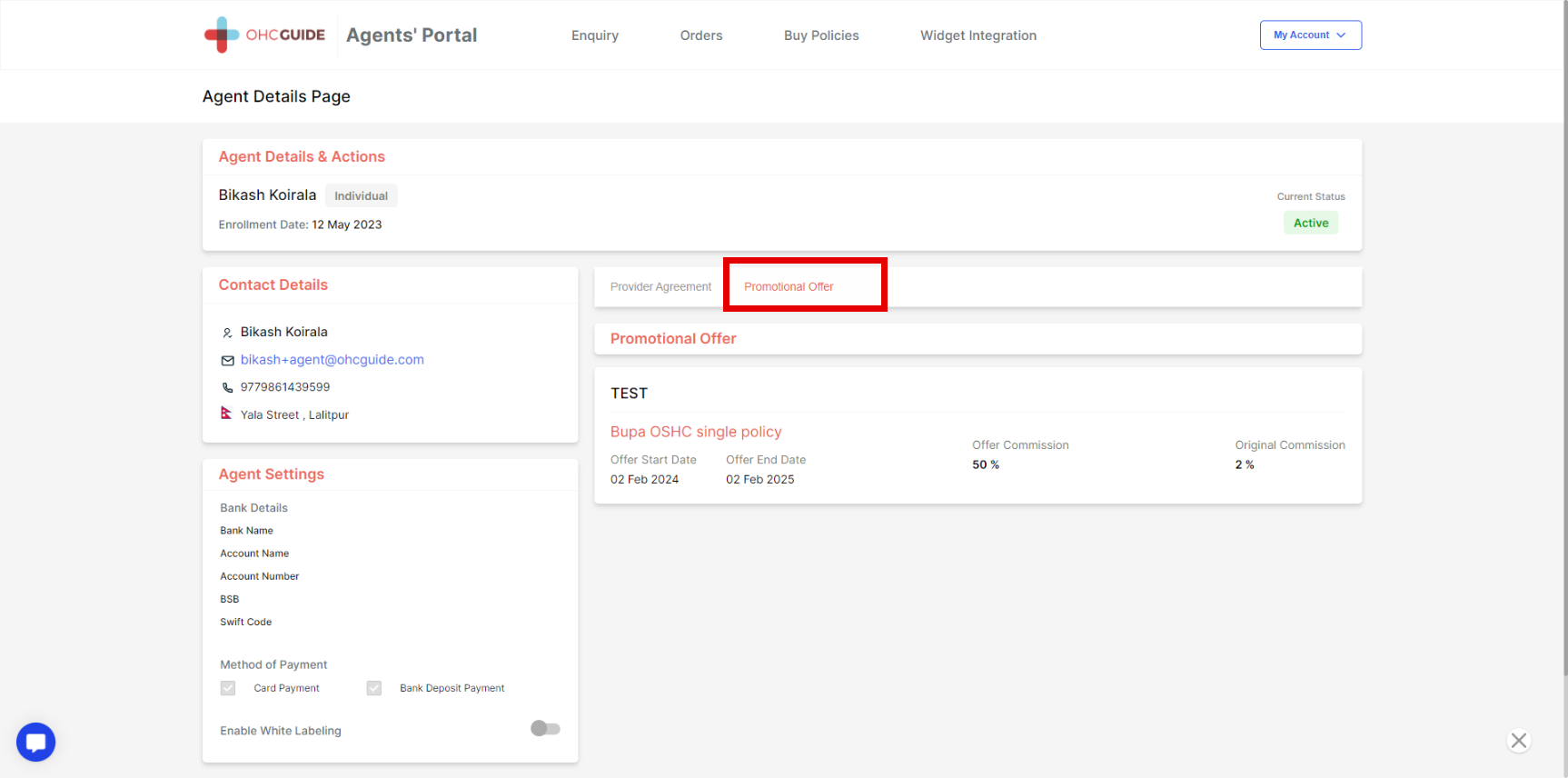
* Click on Promotional Offer
- We provide different promotional offers frequently to our valuable clients. You can check regularly to get benefits during the promotional period.
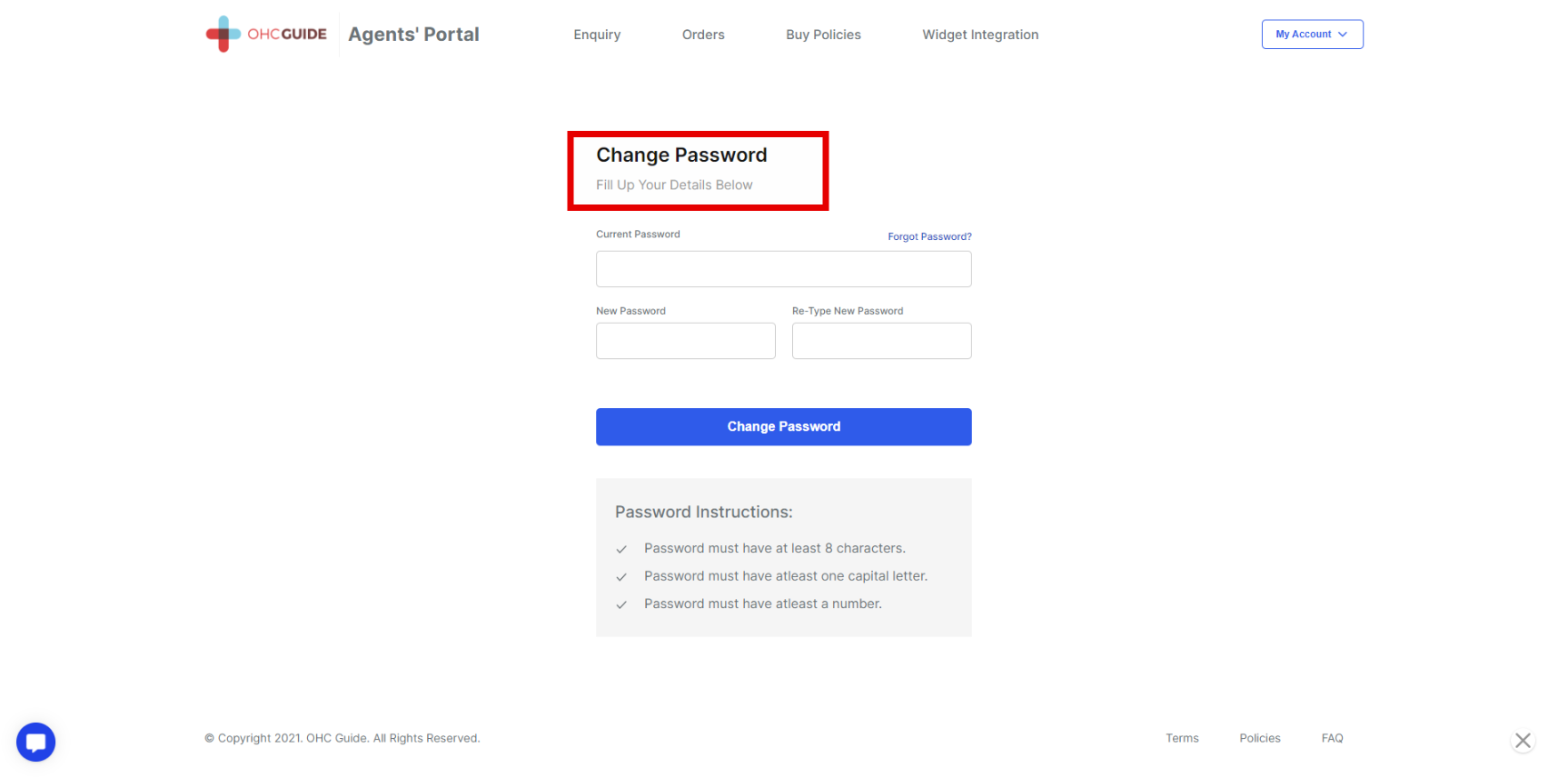
Step 5 - Click on the next option - Change Password.
Note: You can change your password.
Step 6 - Click on the next option - sign out.
Note - Your agent portal will be logged out.
- Bookmark your agent portal so you don't have to remember your password.